AI Prompts: Ready-to-Use Templates by Task
An AI prompt is the instruction you give an AI tool. The clearer the context, task and format in your prompt, the less you will need to fix the result. AIToolNest collects prompt templates with blanks in square brackets so you can drop in your own details.
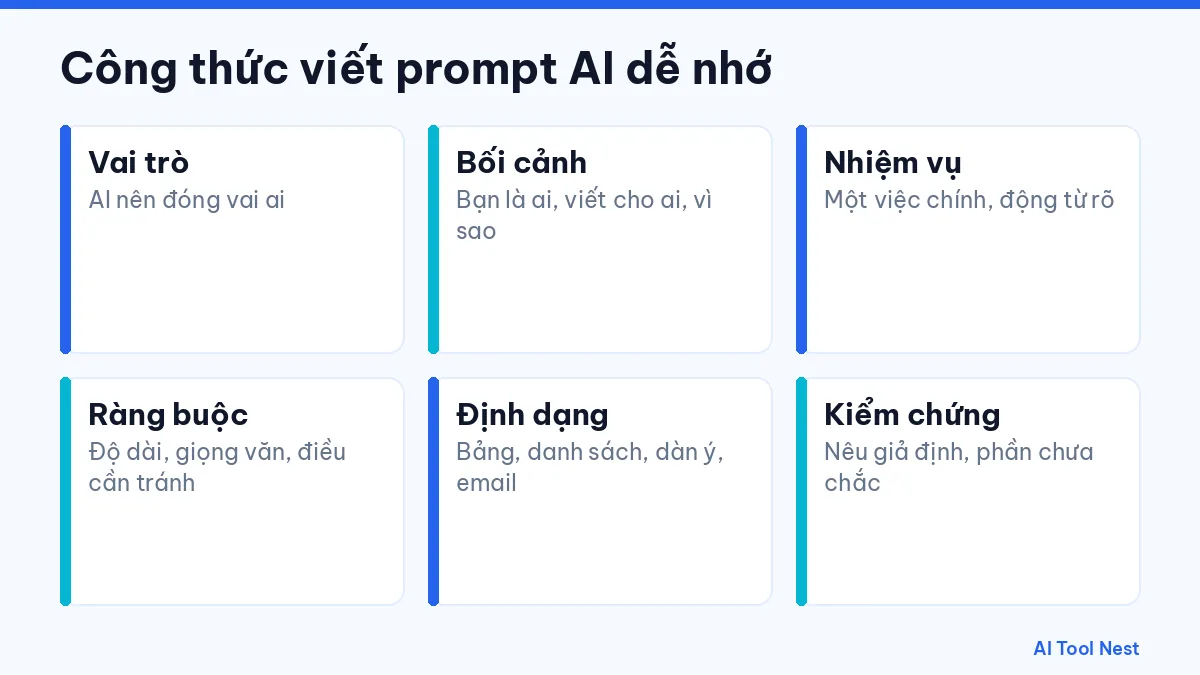
An easy formula for writing prompts
- Role: who the AI should act as.
- Context: who you are, who you are writing for and why.
- Task: one main job, with a clear verb.
- Constraints: length, tone and anything to avoid.
- Format: table, list, outline or email.
- Verification: ask it to state its assumptions and anything it is unsure about.
Read more in our guide to writing clear prompts in 6 steps and how to use ChatGPT as a beginner. New prompt articles are collected in the prompt templates category.
Prompt templates by task
Writing
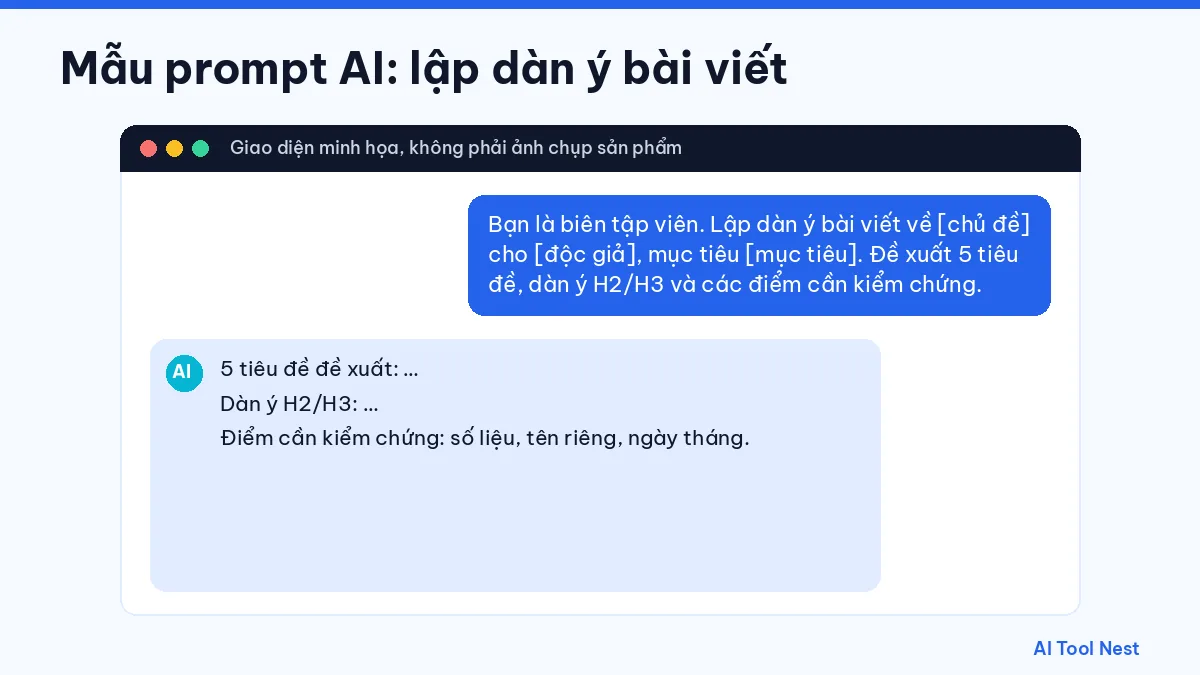
“You are an editor. Create an outline for an article about [topic] for [audience], with the goal of [goal]. Suggest 5 headlines, an H2/H3 outline and the points that need fact-checking.”
Research
“Break the question [question] into claims that need checking. For each one, suggest what kind of source would be reliable and say clearly which parts you are unsure about.”
Coding
“The [language] code below throws [describe the error]. Input: [example]. Expected output: [example]. Explain the likely causes and suggest how to test a fix.”
Marketing
“Our target customer is [description]. Product: [description]. Suggest 5 messages for [channel], each under [number] words, with no absolute claims.”
Which tools do these prompts work with?
These templates work with ChatGPT, Claude or Gemini. For images, see Canva AI.
How to improve a prompt after the first try
Add an example
Share an example of output you like so the AI understands the tone and format you want, instead of describing it with vague adjectives.
Break the task down
For complex work, ask for an outline first, approve it, then write each section. This gives you much more control over the content.
Ask it to check itself
End your prompt with “list your assumptions and anything you are unsure about” so it is easy to spot what needs verifying.
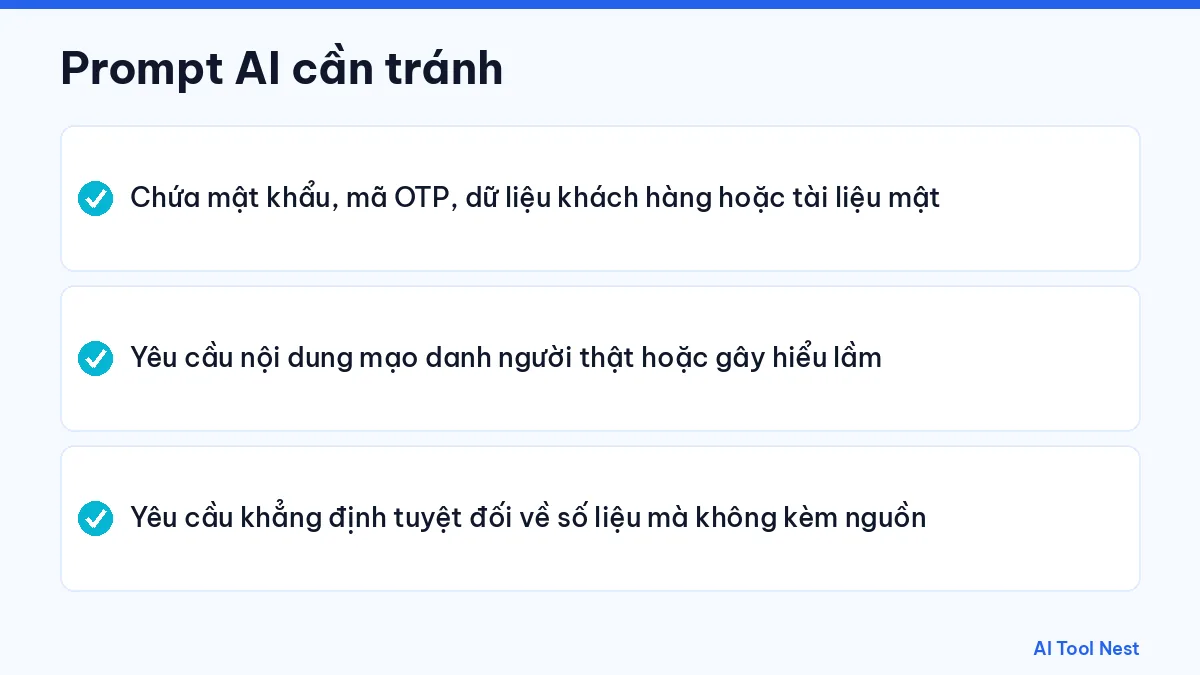
Prompts to avoid
- Prompts containing passwords, one-time codes, customer data or confidential documents.
- Requests to create content that impersonates real people or misleads others.
- Requests for absolute claims about figures without any sources.
Save the prompts that work well in your own library, organized by task, with a note of which tool you used, so you can reuse them quickly and consistently.
Frequently asked questions
Do prompts work in languages other than English?
Yes, you can write prompts in Vietnamese or other languages. Test the output on a real task and adjust as needed.
Are long prompts better than short ones?
Not necessarily. A good prompt has enough context and criteria without rambling.
Should I put real data in a prompt?
Only data you are allowed to use; remove personal and confidential information.
What should I do when the AI gets it wrong?
Point to the exact part that is wrong, give it more facts and ask it to fix only that part.
Conclusion
Clear AI prompts save you editing time. Save the templates you use most and explore more on AIToolNest.
Sources: ChatGPT, Claude, Gemini, Canva AI, ElevenLabs, GitHub Copilot, Runway.