Free and Paid AI Tools: A Directory Organized by Task
Whether an AI tool is free or paid, it is only worth using if it fits the job you need done. New AI tools appear every week, but most of them will not suit your work. The AIToolNest directory groups tools by task, with a description of what each one can do, its limits and a link to the official site so you can check current pricing and terms yourself.
Choose AI tools by type of work
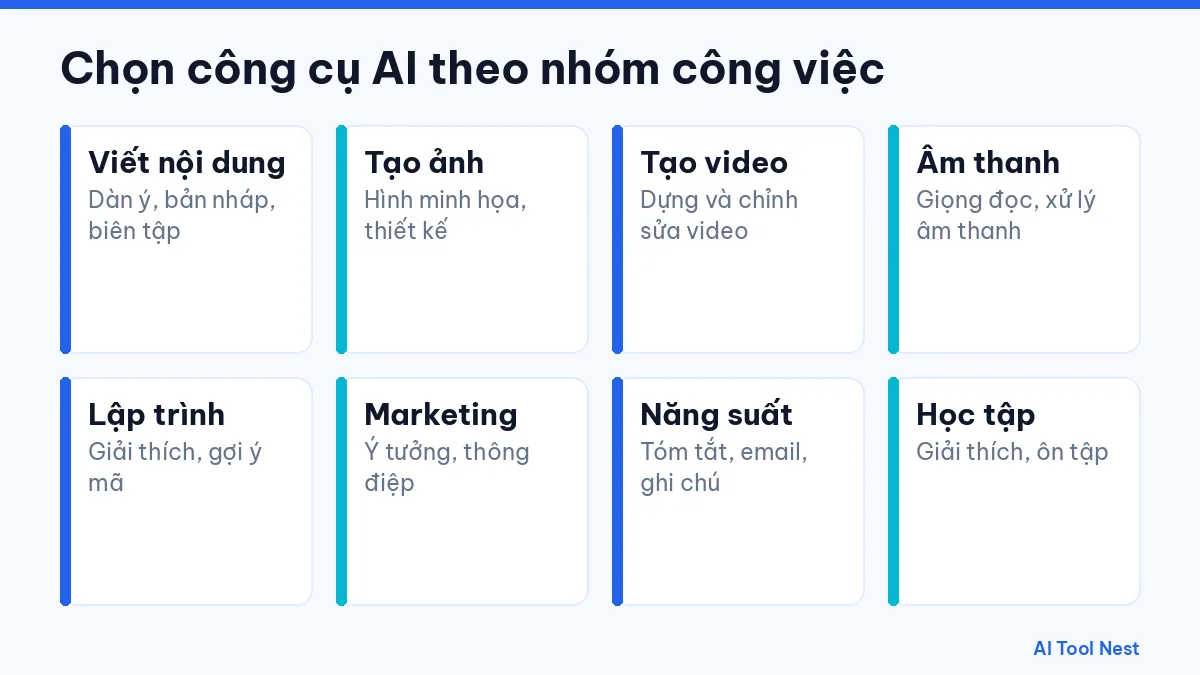
Start from the result you want, then look at the tools in the matching category:
- AI writing
- AI image generation
- AI video
- AI audio and voice
- AI for coding
- AI for marketing
- AI productivity
- AI for learning
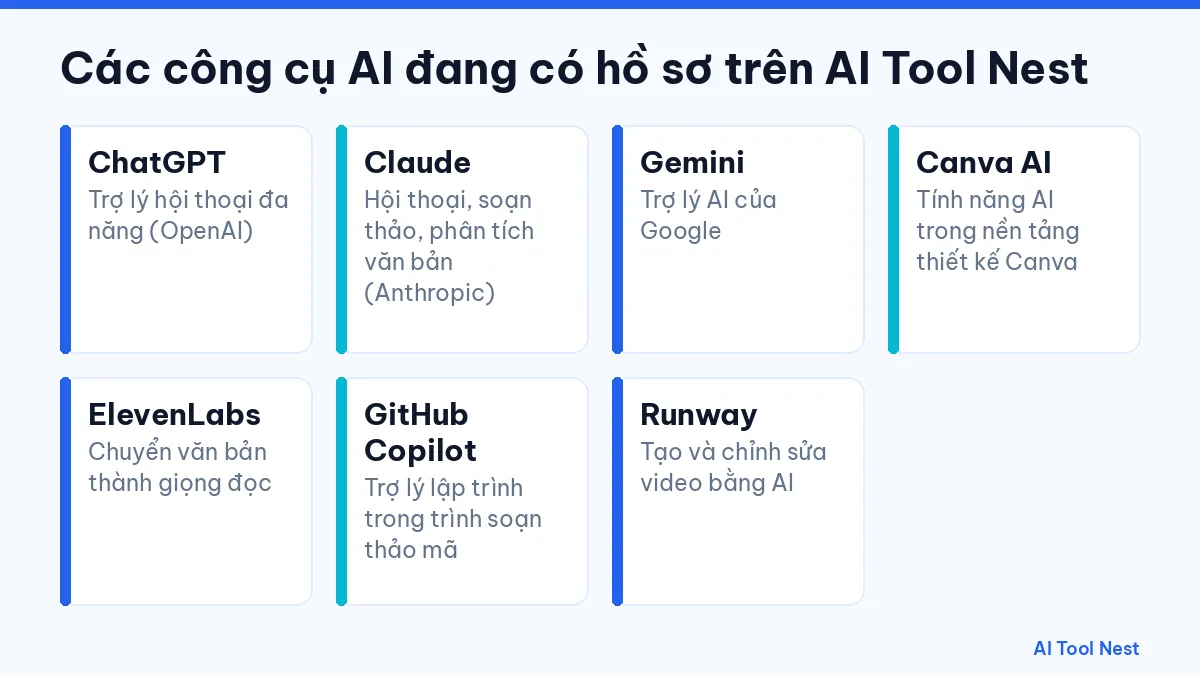
AI tools with a full profile
- ChatGPT — a conversational AI assistant from OpenAI, available on the web and in mobile apps.
- Claude — an AI assistant from Anthropic, focused on conversation, writing and document analysis.
- Gemini — Google’s AI assistant, available on the web, in mobile apps and inside several Google products.
- Canva AI — the AI features built into the Canva design platform for creating and editing visual content.
- ElevenLabs — an AI voice platform for text-to-speech and related audio tools.
- GitHub Copilot — GitHub’s AI coding assistant, working in your code editor and on GitHub.
- Runway — an AI video platform for generating and editing video from text, images or existing clips.
Each profile covers the main use cases, who the tool suits, the limits to know about and how to get started. We add new tools gradually, following our editorial process.
How to choose an AI tool
The task and the output
Be clear about your input, the output you want, the language and the format. A tool that is great at writing will not necessarily be good at video.
Cost and usage limits
Prices, free tiers and limits change over time. Always check current pricing on the official site instead of relying on old information.
Data and usage rights
Read the data policy and the rights you have over generated content, especially when you work with client documents or for commercial purposes.
Ease of use
Run the same request in a few tools, time how long it takes to edit the results, and pick the one that gets the job done fastest and most reliably.
Free AI tools: what to check before you start
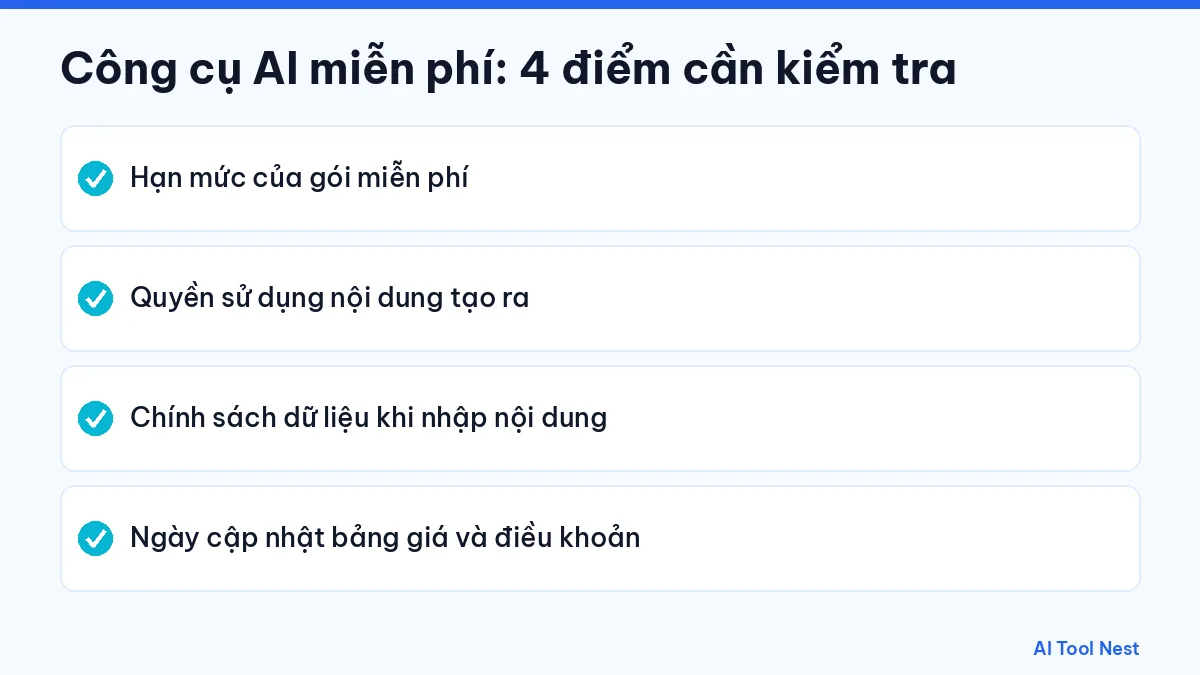
Many tools offer a free tier or a trial, but the conditions differ and can change. AIToolNest never assumes a tool is free. Before you use one for real work, check these points on the provider’s official site:
- The usage limits of the free tier, and which features are paid-only.
- Your rights to the generated content, especially for commercial use.
- The data policy: whether what you type is stored or used to improve the service.
- When the pricing page and terms were last updated, since they can change at any time.
How to get the most out of this directory
Read a tool’s profile, use the comparison page to weigh it against alternatives, then grab a template from AI prompts to try it right away. Not sure where to begin? Read our guide on how to choose the right AI tool.
Frequently asked questions
What is the best AI tool?
No single tool is best at everything. Choose based on your specific task and test it with sample data.
Are the tools in this directory free?
It depends on the tool and when you sign up. Check current pricing on the official site linked in each profile.
Does AIToolNest get paid to list tools?
How we select and present tools is explained in our editorial policy.
How do I suggest a new tool?
Send us the tool’s name, its official website and why you recommend it through our contact page.
Conclusion
An AI tool is only truly useful when it matches your work. Start small, check the output, and head back to the AIToolNest homepage to discover more.
Sources: ChatGPT, Claude, Gemini, Canva AI, ElevenLabs, GitHub Copilot, Runway.