What Is ChatGPT? Features, Pricing and How to Use It (2026)
What is ChatGPT? ChatGPT is a conversational AI assistant built by OpenAI and available on the web and in mobile apps. This AIToolNest profile explains what ChatGPT can do, who it is a good fit for, the limits you should know about and how to test it safely before relying on it for everyday work. Pricing and plan details link back to the official site because they change over time.
Updated: November 1, 2026.
What is ChatGPT? A short definition
ChatGPT (short for Chat Generative Pre-trained Transformer) is an AI chatbot built on OpenAI’s large language models. Instead of returning a list of links like a search engine, ChatGPT reads your request and writes a new answer, and you can ask follow-up questions, correct it and expand on it in the same conversation.
Beyond text chat, ChatGPT can search the web with cited sources, read PDFs, spreadsheets and images, create and edit images, hold voice conversations, remember details you allow it to keep and, on some plans, run scheduled tasks.
- Developer: OpenAI (United States).
- Launched: November 30, 2022.
- Where to use it: chatgpt.com, Android, iPhone and desktop apps.
- Languages: works in English and many other languages, including Vietnamese.
- Plans: Free, Go, Plus, Pro, plus Business and Enterprise for teams.
ChatGPT at a glance
Who makes ChatGPT?
ChatGPT is developed by OpenAI. Always sign up or log in on the official domain, and avoid third-party sites that claim to offer a “free” or “unlocked” version.
Who is ChatGPT for?
It is a good fit for beginners to AI, office workers, students and content creators who want an all-purpose assistant. If you are just starting out, pick one task you repeat often and test ChatGPT on that, rather than using it for everything from day one.
Pricing and plans
ChatGPT has a free plan that covers everyday questions, with limits on file uploads, image creation and advanced features. In the US, ChatGPT Go costs $8/month, Plus costs $20/month with higher limits, deeper reasoning models, projects and custom GPTs, and Pro comes in $100, $200 and $500/month tiers for heavy users. Business and Enterprise plans are billed per user. Prices are localized in some countries; check the official ChatGPT pricing page for your region (checked November 2026).
What can ChatGPT help you with?
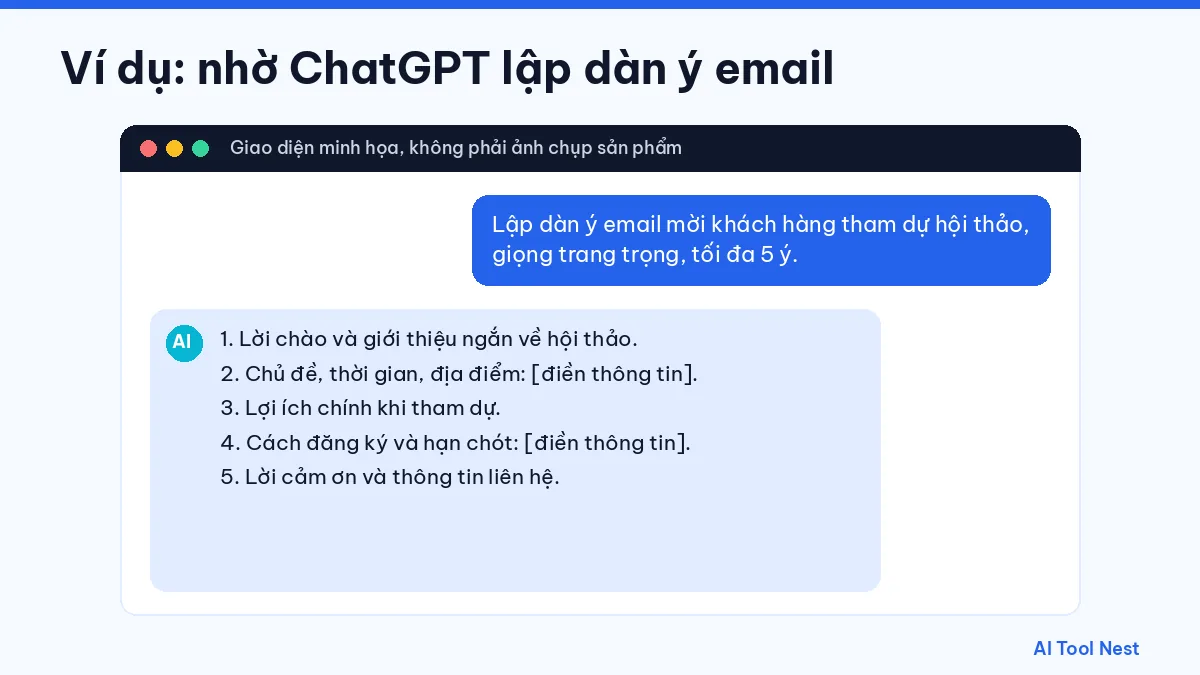
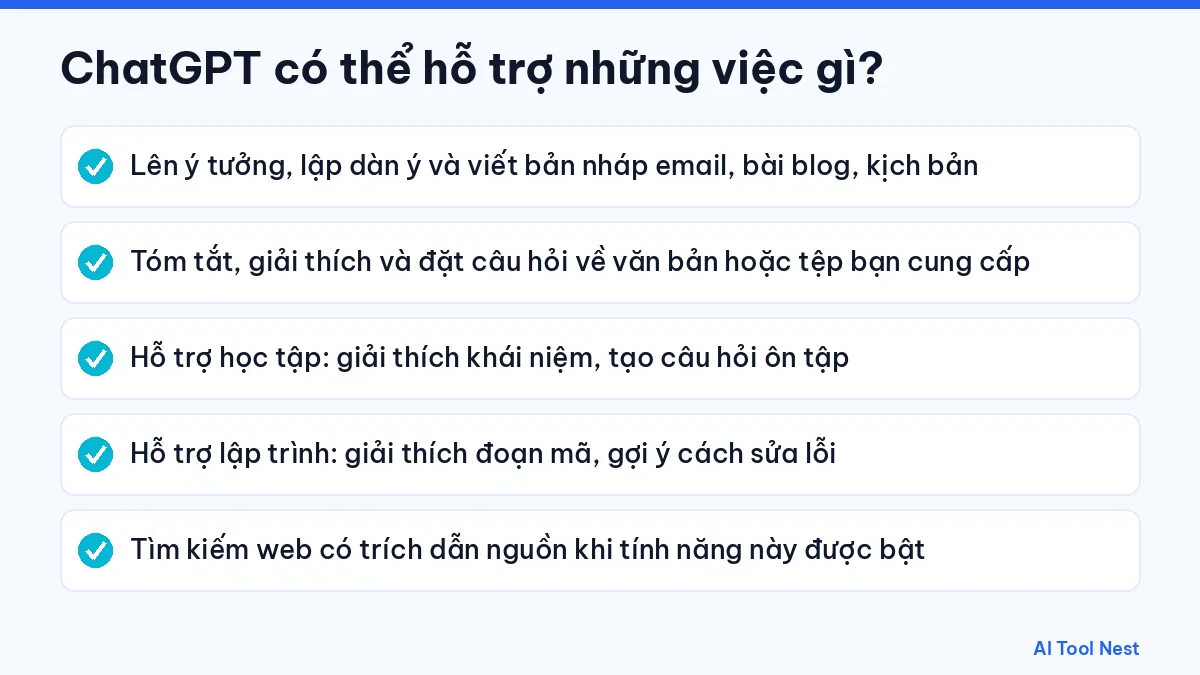
- Brainstorm, outline and draft emails, blog posts and scripts.
- Summarize, explain and answer questions about text or files you provide (depending on your plan and available features).
- Support studying: explain concepts and generate review questions.
- Help with coding: explain snippets and suggest bug fixes.
- Search the web with cited sources when that feature is turned on.
How useful it is depends on how you describe the task. Browse the AI prompt library and our guide to writing clear prompts in 6 steps to get results that fit what you need.
Limits and things to watch when using ChatGPT
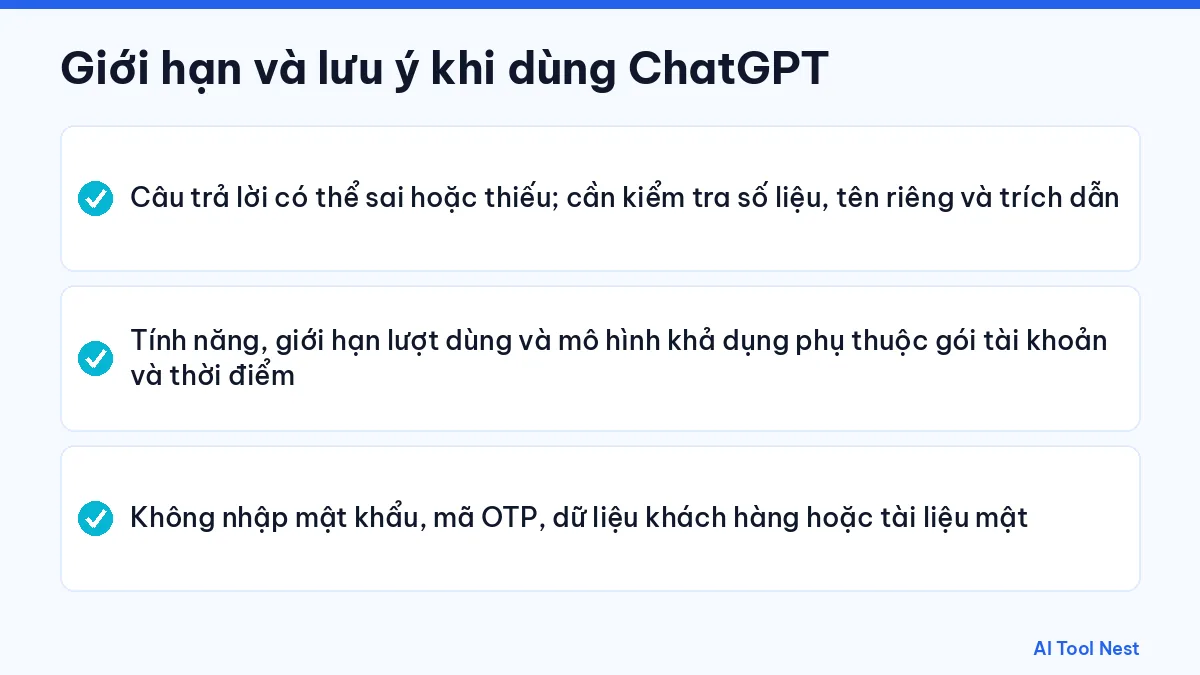
- Answers can be wrong or incomplete; double-check figures, names and citations.
- Features, usage limits and available models depend on your plan and change over time. If you find ChatGPT not working or running slowly, follow our troubleshooting guide.
- Never enter passwords, one-time codes, customer data or confidential documents.
Treat every output as a draft that needs review. For legal, medical or financial content, or any critical data, have a qualified person check it.
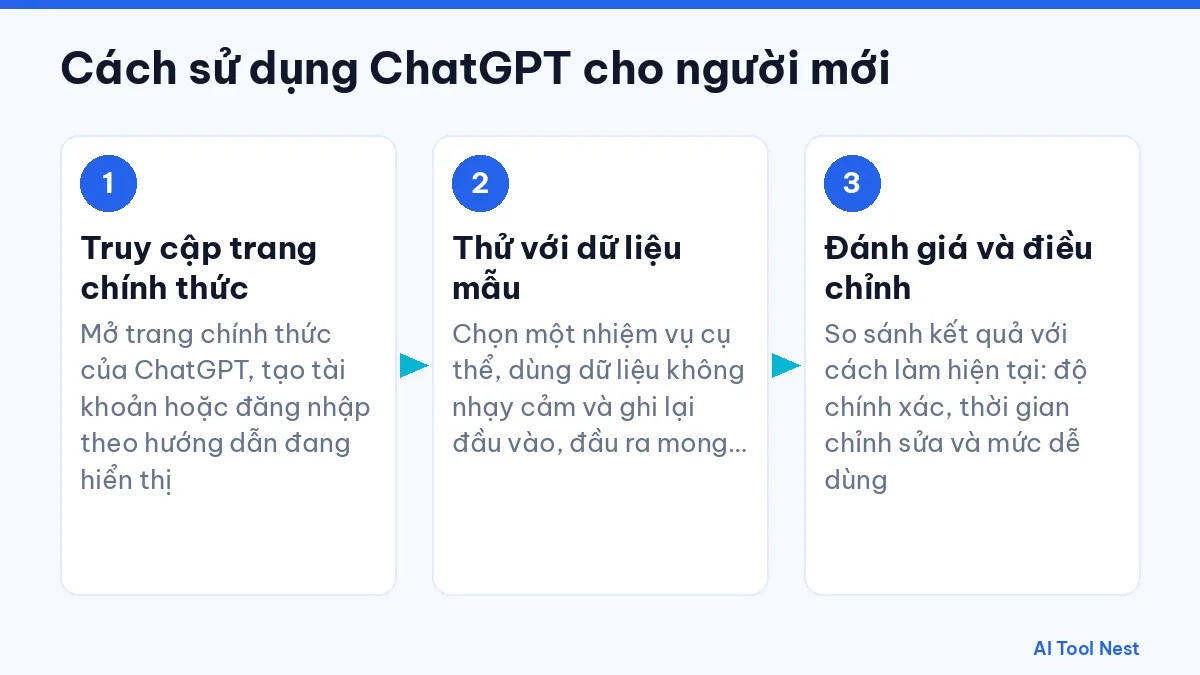
How to use ChatGPT: a beginner’s guide
Step 1: Go to the official site
Open the official ChatGPT website and create an account or log in following the on-screen instructions.
Step 2: Test with sample data
Choose one specific task, use non-sensitive data, and write down the input and the output you expect so the result is easy to judge.
Step 3: Evaluate and adjust
Compare the result with how you do the task today: accuracy, editing time and ease of use. See also our guide on choosing the right AI tool for your work.
ChatGPT vs. similar tools
| Criteria | ChatGPT | Claude | Gemini |
|---|---|---|---|
| Developer | OpenAI | See each tool’s profile | |
| Pricing and limits | Check current pricing on each tool’s official website | ||
| How to choose | Run the same request in each tool and keep the one whose output needs the least editing | ||
See our profiles of Claude and Gemini, or the AI tool comparisons page for a closer look.
Related ChatGPT articles
- How to use ChatGPT: a beginner’s guide
- ChatGPT not working? 12 quick fixes
- ChatGPT prompts for teachers
- ChatGPT vs Gemini
- ChatGPT vs Claude vs Gemini
- AI content writing with ChatGPT
- What is Gemini?
- What is Claude?
- What is Canva AI?
Frequently asked questions about ChatGPT
What is ChatGPT?
ChatGPT is a conversational AI assistant made by OpenAI. You type or speak a request in plain language and it answers, writes, summarizes, translates, helps with code, analyzes files and creates images.
What does GPT stand for in ChatGPT?
GPT stands for Generative Pre-trained Transformer, the family of language models OpenAI builds. “Chat” refers to the conversational way you use it.
Is ChatGPT free?
Yes. You can use ChatGPT for free with an OpenAI, Google, Microsoft or Apple account. Paid plans in the US are Go at $8/month, Plus at $20/month and Pro from $100/month, and they raise limits and unlock more features.
What is the difference between ChatGPT Plus and Pro?
Plus ($20/month) gives most individuals higher limits, advanced reasoning models, projects and custom GPTs. Pro ($100, $200 or $500/month) adds Pro reasoning models, the highest limits and longer agent and coding sessions.
Can ChatGPT be used in languages other than English?
Yes. You can chat in Vietnamese, Spanish, French and many other languages, including by voice. Still read the output before using it, because how natural it sounds varies by task.
Is it safe to put company data into ChatGPT?
Only share data you are allowed to use, after reading OpenAI’s data policy and your organization’s rules. Never enter passwords, one-time codes or customer data.
Conclusion
ChatGPT is worth trying in the AI writing category if you start with a clear task and always check the output. Explore more options in the AI tools directory or head back to the AIToolNest homepage.
Sources: ChatGPT (official site), OpenAI Help Center.