What Is Runway AI? Uses, Limits and How to Get Started
What is Runway AI? Runway is an AI video creation platform for generating and editing video from text, images or existing clips. This AIToolNest profile explains what Runway can do, who it is a good fit for, the limits you should know about and how to test it safely before relying on it for everyday work.
Updated: November 1, 2026. Prices checked on Runway’s official pricing page the same day.
What is Runway AI? A short definition
Runway (often called Runway ML) is a browser-based creative suite that uses generative AI models to turn a text prompt, a still image or an existing clip into new video. Runway builds its own Gen model family (such as Gen-4 and Gen-4.5) and also offers selected third-party models for images, video and audio inside the same workspace.
Unlike traditional editing software, you do not shoot or keyframe every frame. You describe the shot, add a reference image and let the model create the motion. Every generation spends credits from your account, so planning prompts before you generate saves a lot of money.
- Developer: Runway AI, Inc. (New York, USA).
- Where to use it: in the browser at runwayml.com and on mobile apps.
- Inputs: text, images and video; outputs are short clips, images and audio.
- Billing model: credits; each model costs a different number of credits.
Runway AI at a glance
Who makes Runway?
Runway is developed by the company of the same name. Always sign up or log in on the official domain, and avoid third-party sites that claim to offer a “free” or “unlocked” version.
Who is Runway for?
It is a good fit for content creators, marketing teams, filmmakers and motion designers. If you are just starting out, pick one task you repeat often and test Runway on that, rather than using it for everything from day one.
Runway pricing and plans (checked November 1, 2026)
Runway’s Free plan includes a one-time deposit of 125 credits that does not expire, enough to test a few short clips. Paid plans add a monthly credit allowance:
| Plan | Billed monthly | Billed yearly (per month) | Credits |
|---|---|---|---|
| Free | $0 | $0 | 125 one-time |
| Standard | $15 | $12 | 625 per month |
| Pro | $35 | $28 | 2,250 per month |
| Max | $95 | $76 | 9,500 per month |
For example, Gen-4.5 uses about 12 credits per second of video, so Standard’s 625 credits cover roughly 52 seconds of Gen-4.5. Monthly credits on Standard and Pro do not roll over; extra credits you buy never expire. Prices exclude tax; see the latest on the Runway pricing page.
What can Runway help you with?
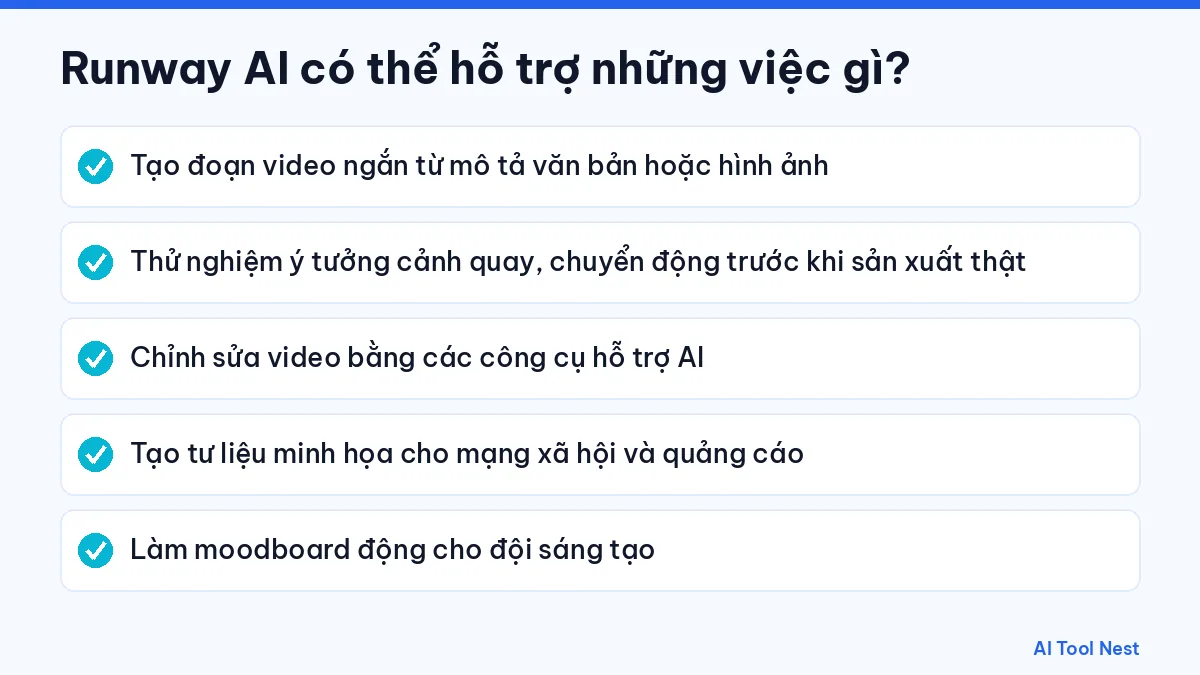
- Generate short video clips from a text prompt or an image.
- Test shot ideas and camera moves before a real shoot.
- Edit video with AI-assisted tools.
- Create supporting footage for social media and ads.
- Build moving moodboards for creative teams.
How useful it is depends on how you describe the task. Browse the AI prompt library and our guide to writing clear prompts in 6 steps to get results that fit what you need.
Limits and things to watch when using Runway
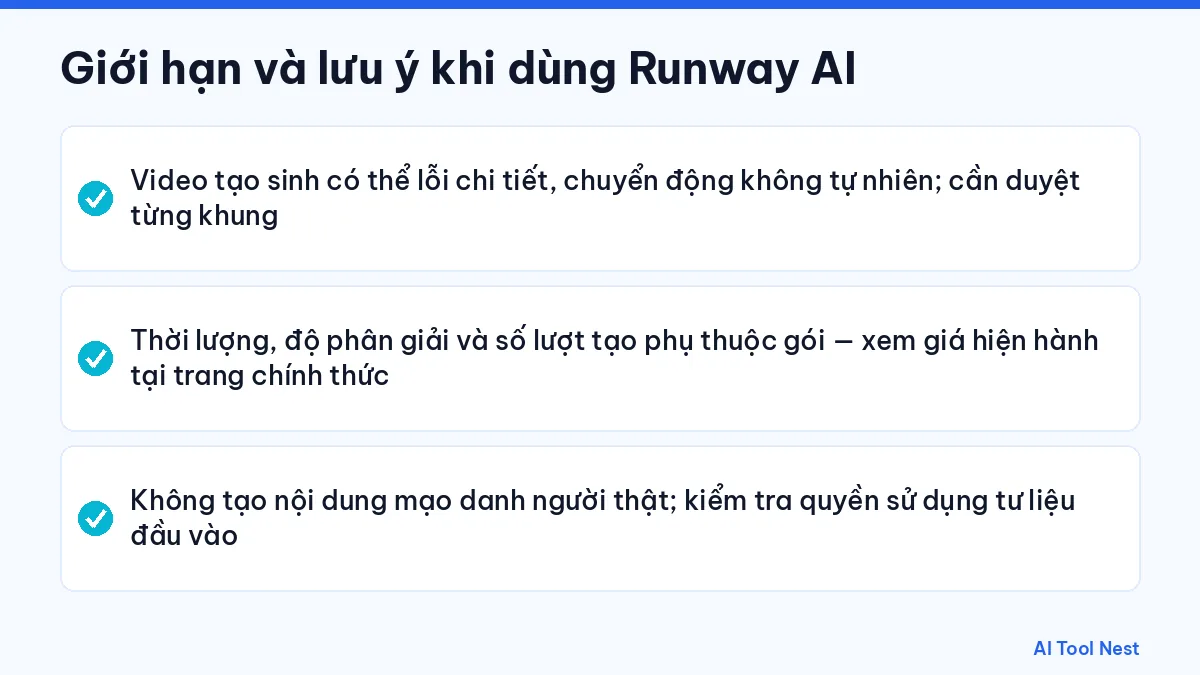
- Generated video can have glitches or unnatural motion; review it frame by frame.
- Clip length, resolution and generation credits depend on your plan – check current pricing on the official site.
- Never create content that impersonates real people; check the rights to any input footage.
Treat every output as a draft that needs review. For legal, medical or financial content, or any critical data, have a qualified person check it.
How to use Runway AI: a beginner’s guide
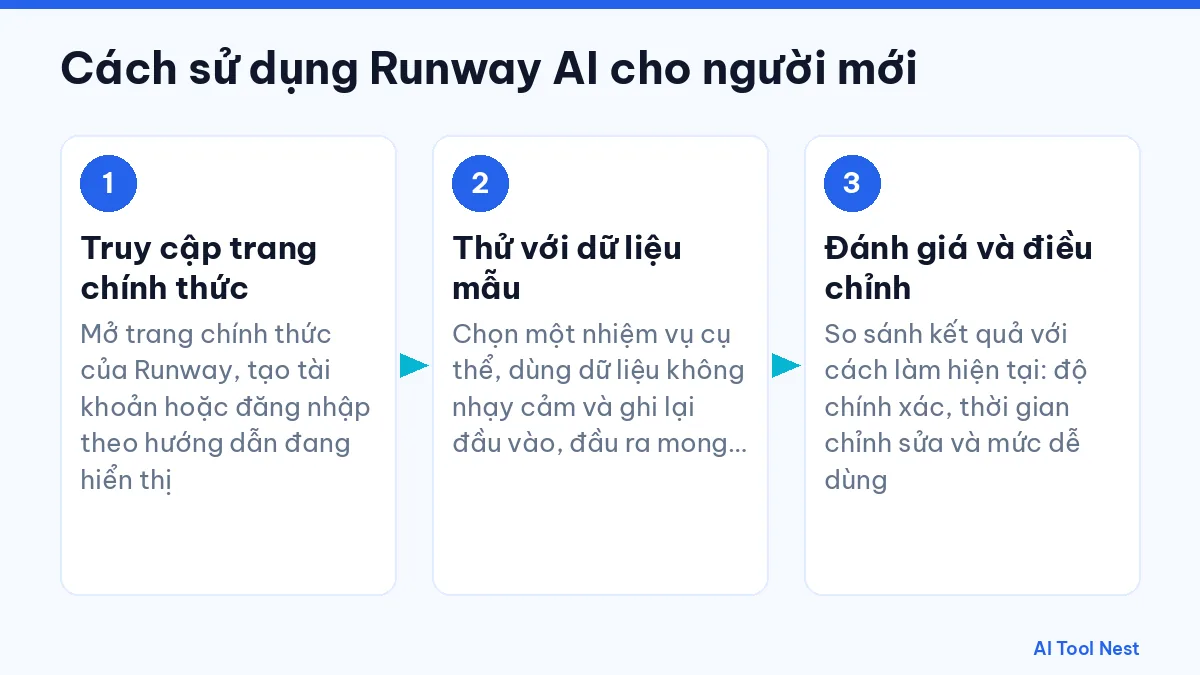
Step 1: Create an account on the official site
Open the official Runway website and sign up with email or Google. New accounts get 125 credits, so you do not need to pay before testing.
Step 2: Prepare a script and a reference image
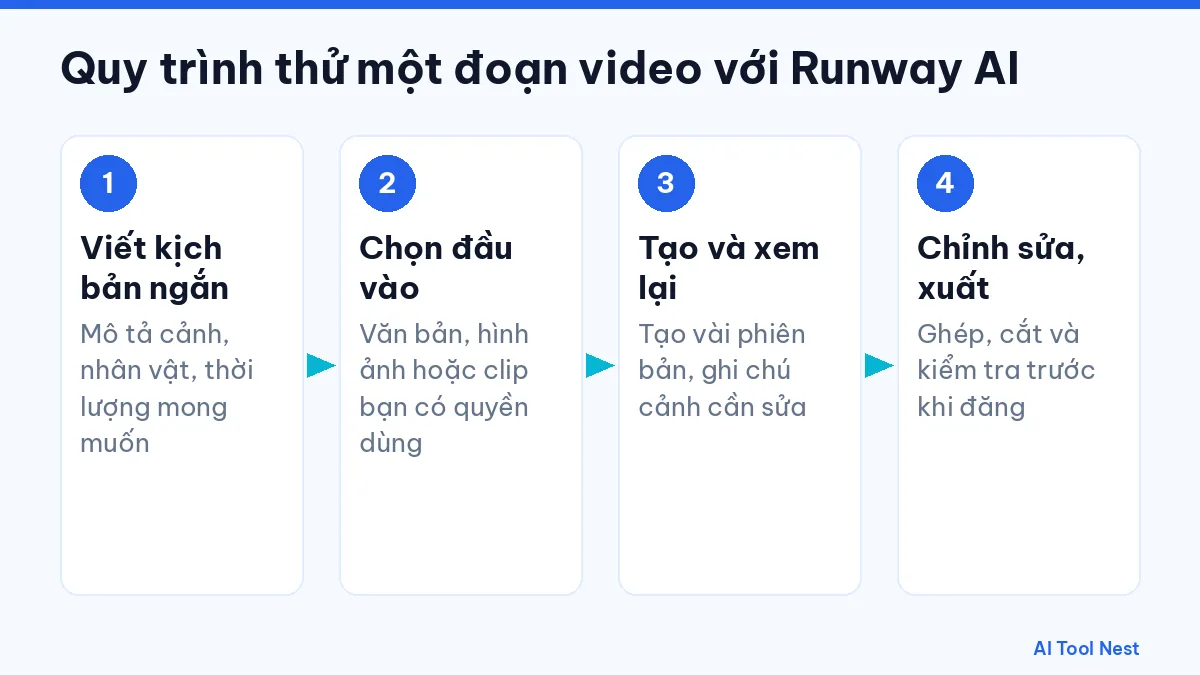
Write a single 5–10 second shot: subject, setting, lighting and camera movement. If you need a consistent character or product, prepare a reference image you have the rights to use.
Step 3: Pick a model and generate a draft
In the video tool, choose a model (a Turbo model is cheaper for quick tests), paste your prompt, set the shortest duration and generate. Sample prompt: “Close-up of an iced coffee on a wooden table, early morning sun, slow camera push-in”.
Step 4: Review and refine the prompt
Check every frame: hands, text, faces and motion are where glitches usually appear. Change only one element of the prompt at a time so you know which change helped.
Step 5: Export and finish the video
Once you are happy, regenerate with a higher-quality model, download it and add music, captions and voiceover in your editor. If you need a Vietnamese voiceover, compare options in our guide to the best Vietnamese text-to-speech AI tools. See also choosing the right AI tool for your work.
Runway alternatives compared
Runway’s strength is bringing many video, image and audio models together with editing tools in one place. Depending on your needs, these alternatives are worth a look:
| Tool | Best at | Choose it when |
|---|---|---|
| Runway | AI video generation and editing, many models in one platform | You test shots, short ads or moving moodboards |
| Google Veo (via Gemini, Flow) | Video with native audio in the Google ecosystem | You already pay for Google AI and want quick clips |
| Kling AI | Longer motion clips with flexible costs | You produce social content at volume |
| Canva AI | Design and template video for non-specialists | You need posts, slides and simple videos from templates |

For a fair test, use the same prompt and duration and score three things: motion stability, how closely the clip matches the reference and how many credits it used. See our profiles of Canva AI and Gemini, or the AI tool comparisons page.
Examples of Runway at work
- Marketing: generate three versions of an opening shot for a 15-second ad before the real shoot.
- E-commerce: turn a product photo into a gentle turntable clip for the product page.
- Education: visualize hard-to-picture concepts such as the water cycle.
- Film: build previs so the crew agrees on camera angles.
Frequently asked questions about Runway
What is Runway AI?
Runway is an AI platform for generating and editing video from text, images or existing clips. It runs in the browser and bills by credits.
Is Runway free?
There is a Free plan with 125 one-time credits. Paid plans start with Standard at $15 per month, or $12 per month billed yearly (checked November 1, 2026).
How many seconds of video does a Runway credit buy?
It depends on the model. Gen-4.5 uses about 12 credits per second, while Turbo models cost less. The full table is on Runway’s pricing page.
Does Runway work with languages other than English?
The interface is mainly in English. You can try prompts in other languages, but short, clear English prompts usually give more stable results.
Can I use Runway videos commercially?
Paid plans let you use outputs under Runway’s terms. You still need rights to any input images or footage and must not impersonate real people.
Should I choose Runway or Canva AI?
Pick Runway for AI video with complex motion. Pick Canva AI for design work, social posts and simple template-based video.
Conclusion
Runway is worth trying in the AI video category if you start with a clear task and always check the output. Explore more options in the AI tools directory or head back to the AIToolNest homepage.
Sources: Runway (official site), Runway Help Center.