It seems we can’t find what you’re looking for. Perhaps searching can help.
AI Video Generators: Guides and Tips
AI video generators help you test shot ideas, create short clips from text descriptions or images and support some editing tasks. This category collects guides and practical experience so you understand what the tools can do, where their limits are and what to check before using AI video in a real project.
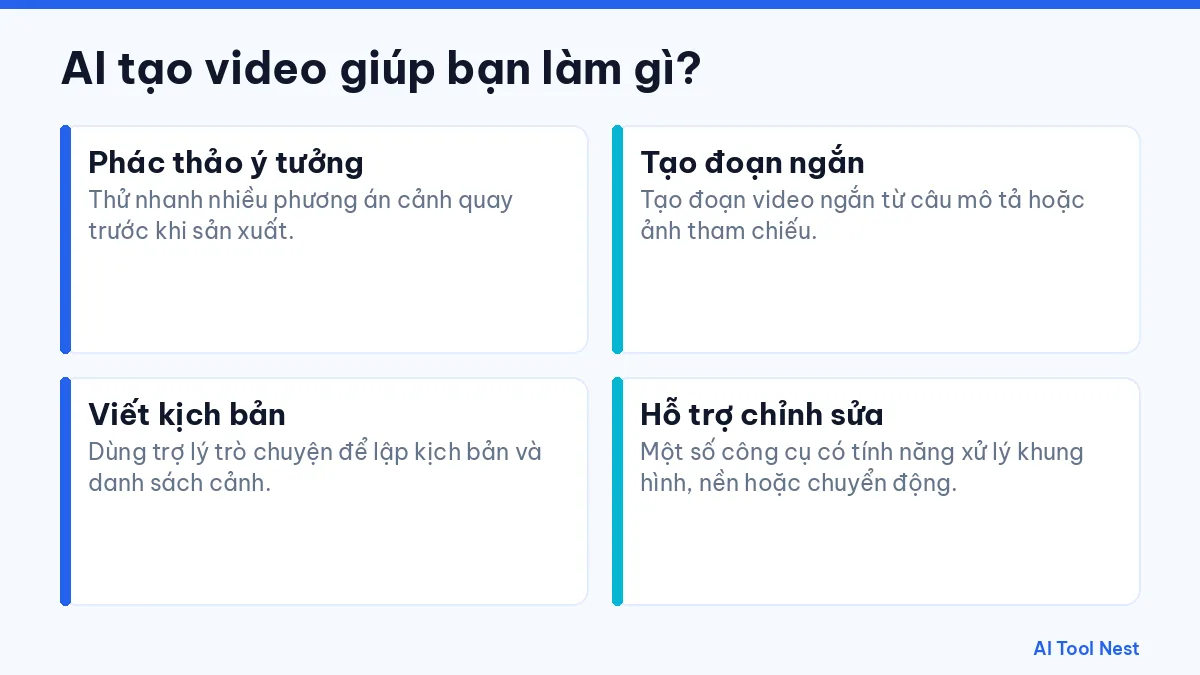
What can an AI video generator do for you?
- Sketch ideas: Quickly try several shot options before production.
- Create short clips: Generate short clips from a description or a reference image.
- Write scripts: Use a chat assistant to draft scripts and shot lists.
- Support editing: Some tools can process frames, backgrounds or motion.
Tools worth checking out
See our Runway profile to understand a popular AI video tool, use ChatGPT or Gemini to write scripts and scene descriptions, and use Canva AI when you need to combine video with simple designs. Browse the AI tool directory to compare other options.
How to get started with this category
- Pick one specific task you do often and describe the result you want.
- Try the same request in one or two tools, using sample data that isn’t sensitive.
- Note the results, how long editing took and any mistakes to watch for.
- Save what works and gradually apply it to similar tasks.
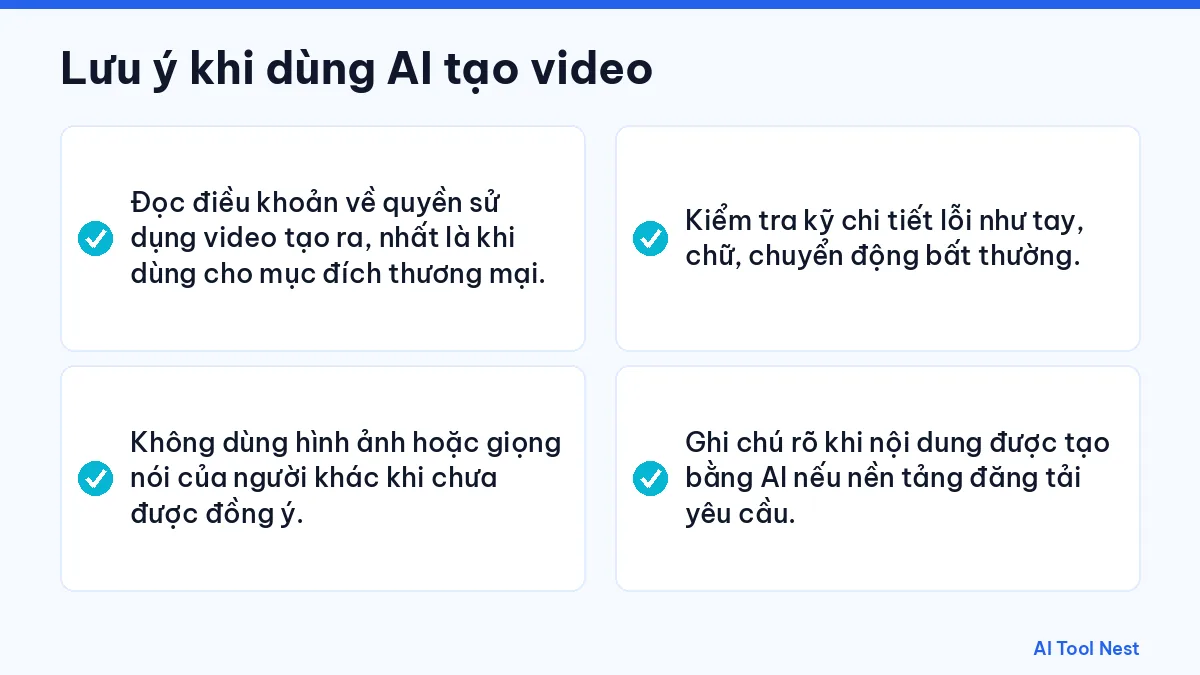
Things to keep in mind with AI video generators
- Read the terms on your rights to generated video, especially for commercial use.
- Don’t use other people’s images or voices without consent.
- Check carefully for errors such as hands, text and unnatural motion.
- Label AI-generated content when the platform you publish on requires it.
Pricing, plans and features always link to the provider’s official website because they can change; check again before signing up or using a tool for important work. We’re still adding articles to this category; in the meantime, you can start with our AI tool guides.