

Compare the best AI presentation makers (Gamma, Copilot in PowerPoint, Canva AI, ChatGPT and Gemini), follow a 6-step workflow and copy ready-made slide prompts.
AI for Productivity: Tools for Everyday Work
Using AI in your everyday work starts with repetitive tasks such as summarizing documents, organizing to-do lists, planning and drafting emails. Our Productivity category brings together tools, guides and prompt templates, each with clear uses, limits and how to test with sample data, so you pick the right tool instead of chasing trends.
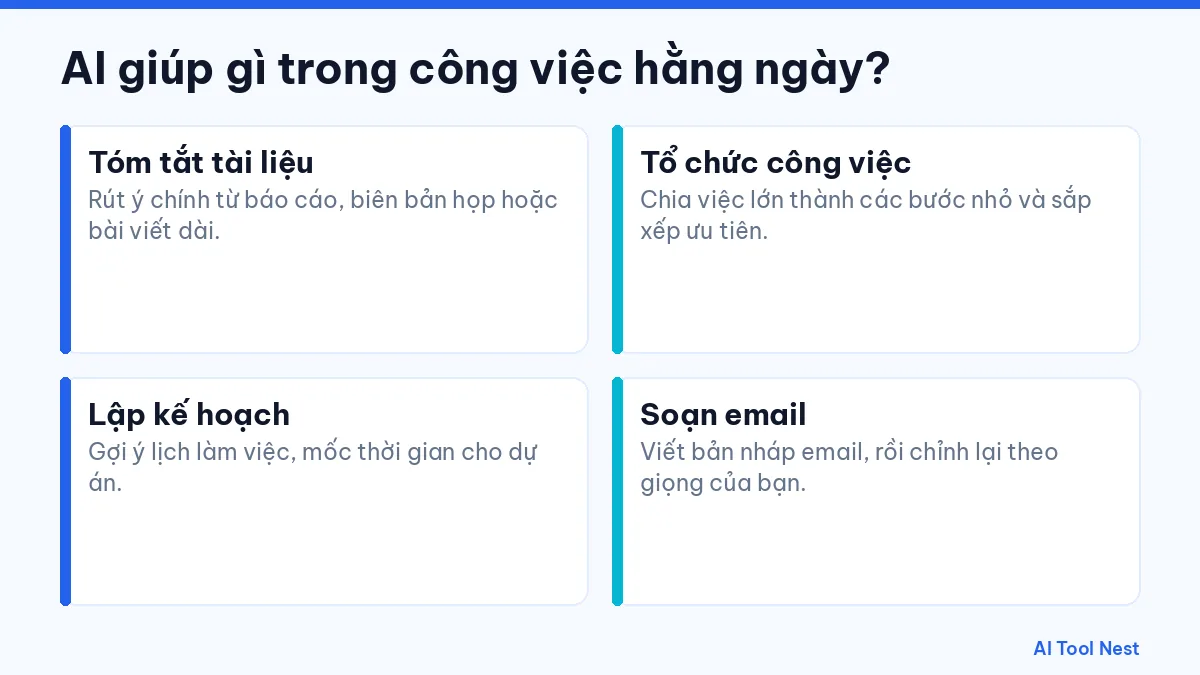
How can AI help with everyday work?
- Summarize documents: Pull the key points from reports, meeting notes or long articles.
- Organize work: Break big tasks into small steps and set priorities.
- Plan: Suggest schedules and milestones for projects.
- Draft emails: Write a first draft, then adjust it to your own voice.
Tools worth checking out
Start with Gemini, ChatGPT or Claude for summarizing and drafting. Our article on how to use AI at work helps you match a tool to a specific task, and our AI prompts have ready-made templates. Browse the AI tool directory for more options.
How to get started with this category
- Pick one specific task you do often and describe the result you want.
- Try the same request in one or two tools, using sample data that isn’t sensitive.
- Note the results, how long editing took and any mistakes to watch for.
- Save what works and gradually apply it to similar tasks.
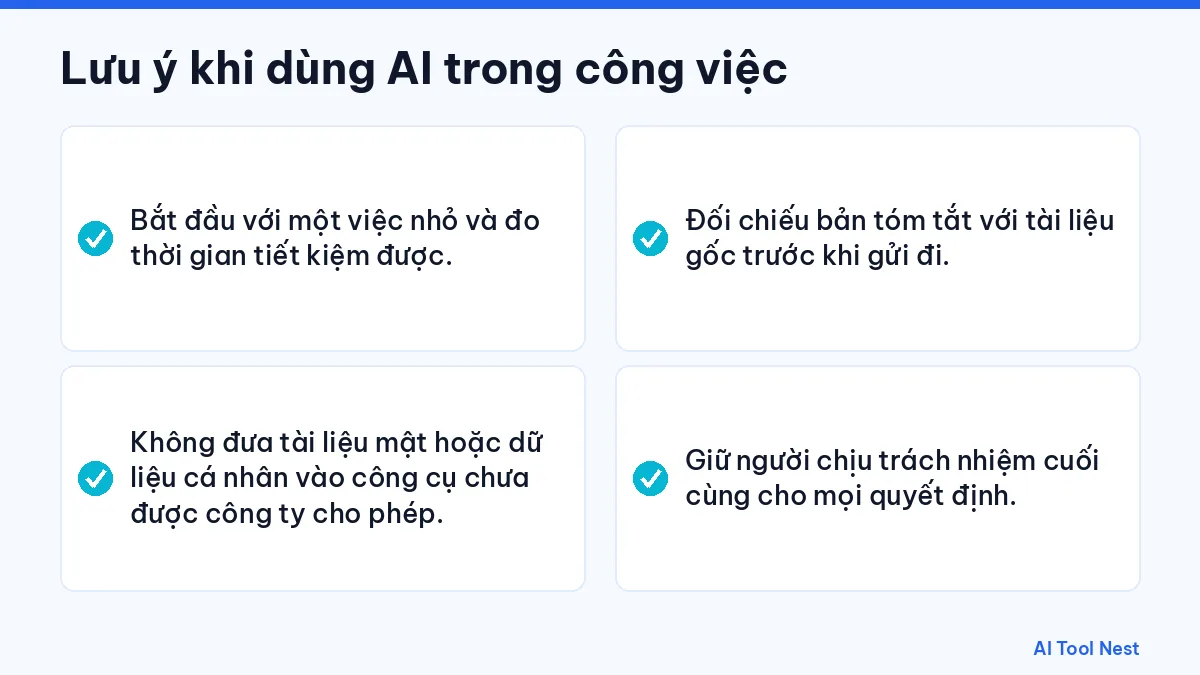
Things to keep in mind when using AI at work
- Start with one small task and measure the time saved.
- Don’t put confidential documents or personal data into tools your company hasn’t approved.
- Check summaries against the original document before sending them.
- Keep a person accountable for every decision.
Pricing, plans and features always link to the provider’s official website because they can change; check again before signing up or using a tool for important work. The articles in this category are listed below.

25
Oct
Oct
A practical 6-step guide to using AI at work safely: pick the right tasks, set criteria, test tools with sample data, protect your data and measure results.