

Is Gemini free? What the Gemini free plan includes in 2026: image generation, Deep Research, Gemini Live, Canvas, Gems, 15 GB storage, limits and upgrade tips.
How to Use AI: Step-by-Step Tutorials
Using AI well doesn’t start with the tool; it starts with the task you need to do. Our AI Tutorials category walks beginners through each step: choosing the right tool, writing clear prompts, checking results and protecting data, with examples you can try with your own work right away.
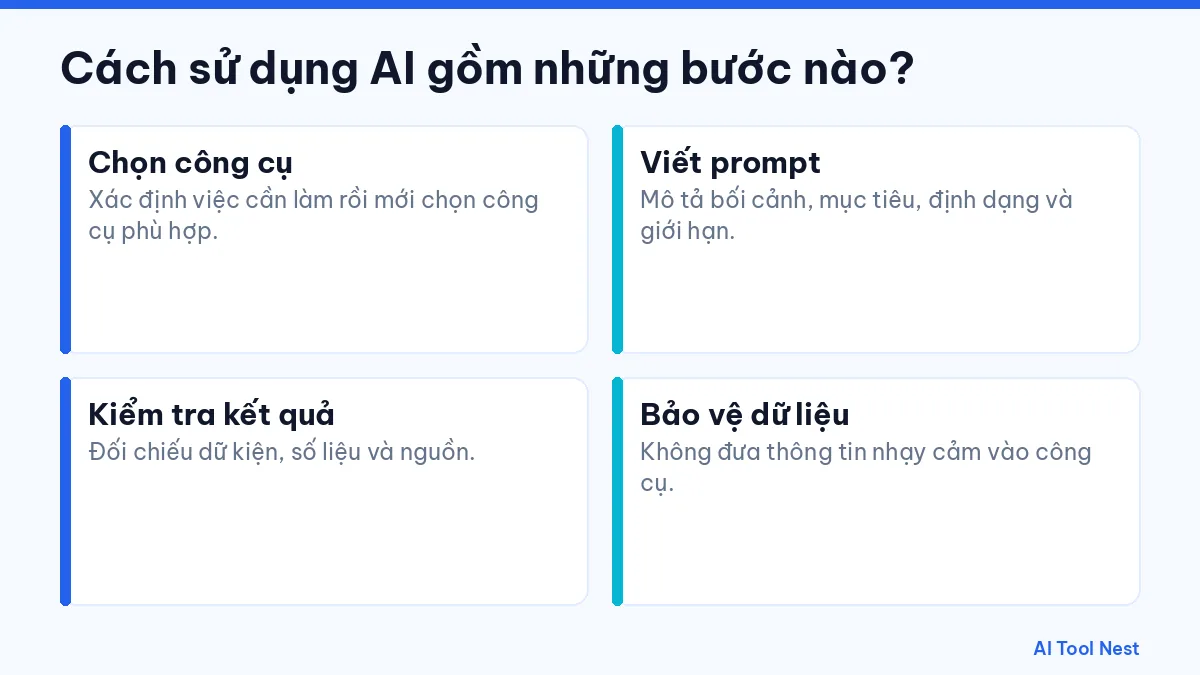
What are the steps to using AI?
- Choose a tool: Define the task first, then choose a suitable tool.
- Write a prompt: Describe the context, goal, format and limits.
- Check the results: Verify facts, figures and sources.
- Protect your data: Don’t put sensitive information into the tool.
Tools worth checking out
Three articles to read first: how to use AI at work, how to write effective prompts and how to use ChatGPT. Then see the ChatGPT, Claude and Gemini profiles and our AI tool guides page for tool-specific tutorials.
How to get started with this category
- Pick one specific task you do often and describe the result you want.
- Try the same request in one or two tools, using sample data that isn’t sensitive.
- Note the results, how long editing took and any mistakes to watch for.
- Save what works and gradually apply it to similar tasks.
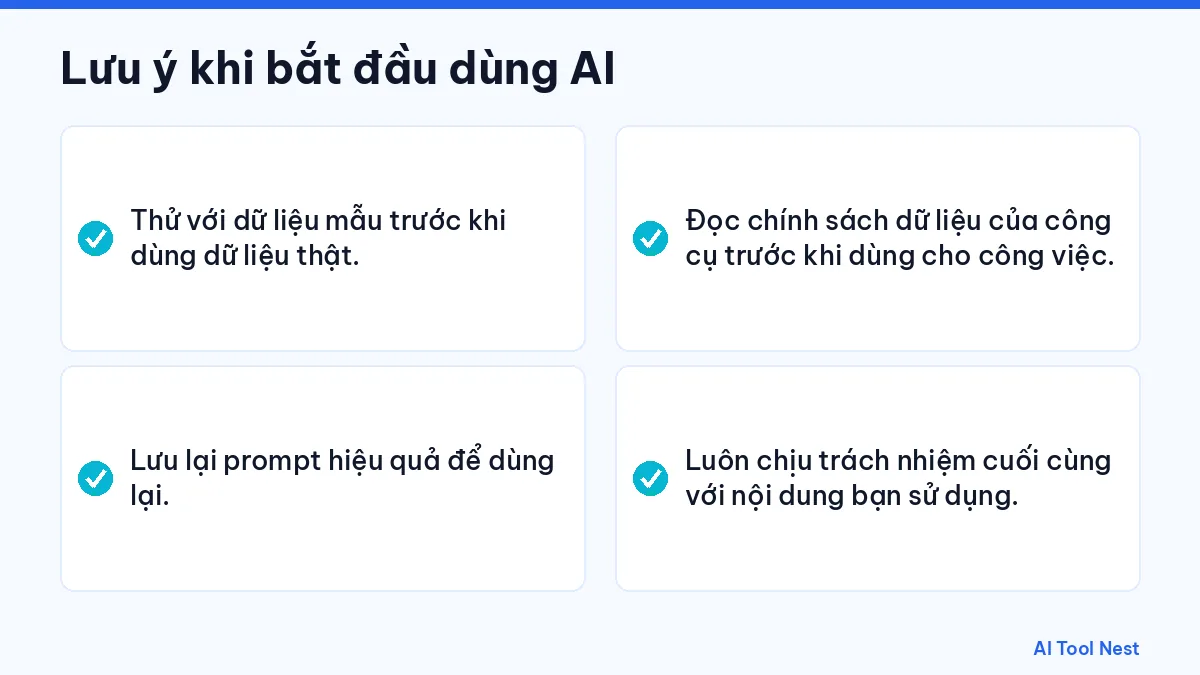
Things to keep in mind when you start using AI
- Test with sample data before using real data.
- Save prompts that work so you can reuse them.
- Read the tool’s data policy before using it for work.
- You remain responsible for any content you use.
Pricing, plans and features always link to the provider’s official website because they can change; check again before signing up or using a tool for important work. The tutorials in this category are listed below.
04
Nov
Nov
How to use Gemini, Google’s AI, step by step: sign in, write prompts, use Deep Research, Live, Canvas and Gems, and work with Gemini in Gmail and Docs.

02
Nov
Nov
How to use Claude AI for beginners: sign up, write clear prompts, upload PDFs, use Projects and Artifacts, use web search and stretch your free limits.
31
Oct
Oct
ChatGPT not working, slow or not responding? Learn how to check OpenAI status, fix common error messages on web and mobile, and when to contact support.

25
Oct
Oct
A practical 6-step guide to using AI at work safely: pick the right tasks, set criteria, test tools with sample data, protect your data and measure results.

25
Oct
Oct
Learn how to write effective AI prompts in 6 simple steps, with a before-and-after example, an easy prompt formula and the most common mistakes to avoid.

25
Oct
Oct
A step-by-step guide to using ChatGPT for beginners: create an account, write better prompts, use it on desktop and mobile, get more from the free plan and stay safe.