It seems we can’t find what you’re looking for. Perhaps searching can help.
AI Coding Tools: Guides and Prompts
AI coding tools help developers explain code, find the cause of bugs, suggest tests and write sample code faster. This category collects guides and prompts so you can use AI as an assistant while keeping your source code safe and checking every snippet yourself before it goes into a project.
What can AI coding tools do for you?
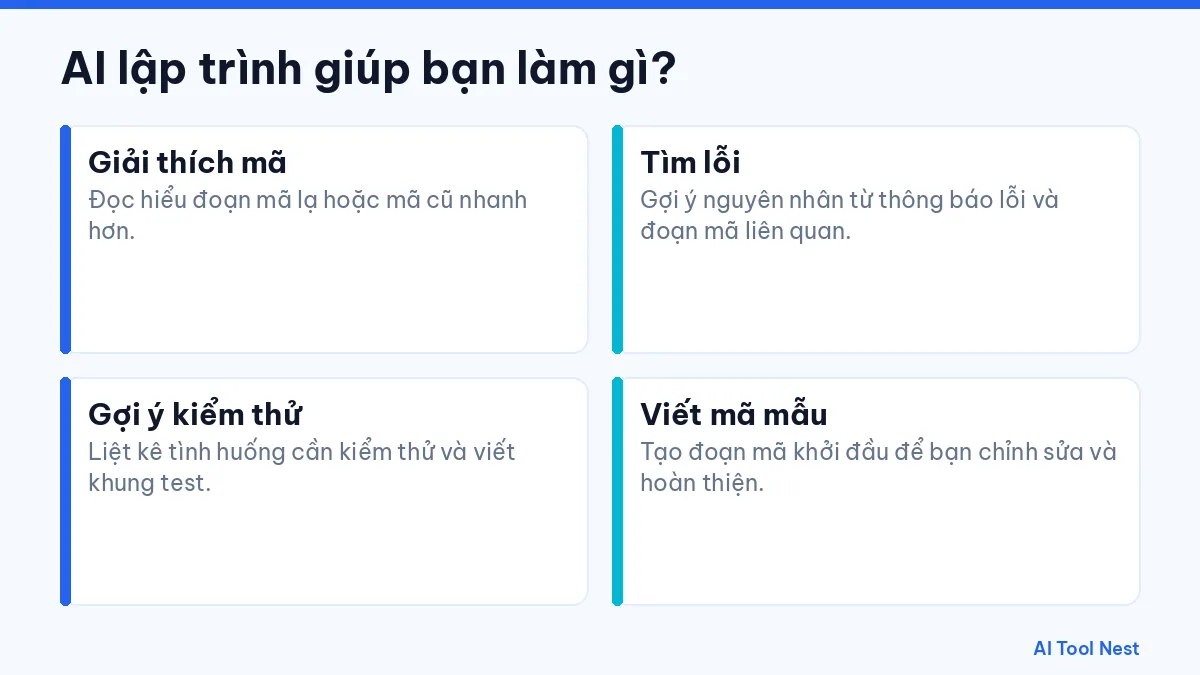
- Explain code: Understand unfamiliar or legacy code faster.
- Find bugs: Get likely causes from error messages and related code.
- Suggest tests: List cases to test and draft a test skeleton.
- Write sample code: Generate starter code for you to edit and finish.
Tools worth checking out
Our GitHub Copilot profile introduces a coding assistant that works inside your editor. Chat assistants such as ChatGPT, Claude and Gemini can also explain code and suggest fixes. When writing a request, describe the input, output and error case as shown in how to write effective prompts.
How to get started with this category
- Pick one specific task you do often and describe the result you want.
- Try the same request in one or two tools, using sample data that isn’t sensitive.
- Note the results, how long editing took and any mistakes to watch for.
- Save what works and gradually apply it to similar tasks.
Things to keep in mind with AI coding tools
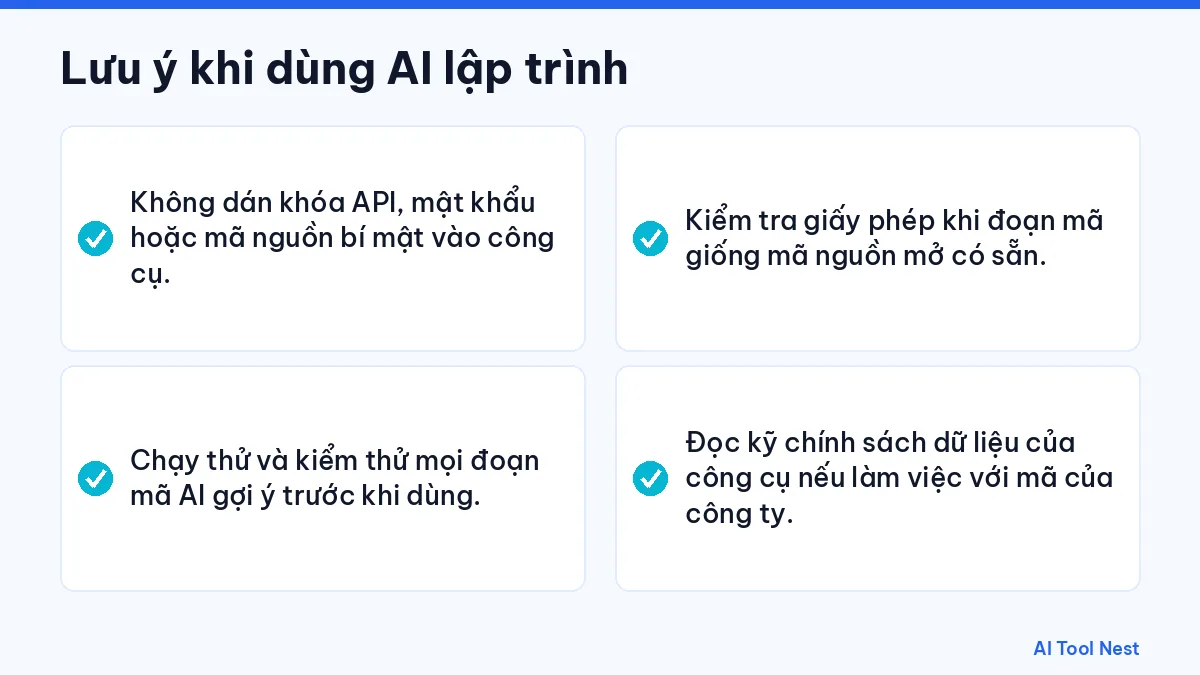
- Don’t paste API keys, passwords or confidential source code into tools.
- Run and test every snippet AI suggests before using it.
- Check the license when a snippet looks like existing open-source code.
- Read the tool’s data policy carefully if you work with company code.
Pricing, plans and features always link to the provider’s official website because they can change; check again before signing up or using a tool for important work. We’re still adding articles to this category; you can start with our AI tool guides.