Quick answer: Yes, ChatGPT Free is available to everyone with no time limit and no credit card. The free plan gives you unlimited everyday text chat, web search, file and image uploads, data analysis, image creation, existing GPTs, Projects and Study mode. Heavier features such as uploads, image creation, voice, deep research and memory have usage limits. If you keep hitting those limits or need stronger models, look at ChatGPT Go or Plus.
This guide explains exactly what the free version of ChatGPT includes, how many messages you really get, how to use it on your phone and computer, what scams to avoid and when paying is worth it. Details were checked against the official ChatGPT pricing page and the OpenAI Free tier FAQ, updated November 2026. New to the tool? Start with how to use ChatGPT.
Updated: November 2, 2026
Contents
- What ChatGPT Free includes
- Usage limits on the free plan
- How to use ChatGPT Free on phone and desktop
- Free vs Go, Plus and Pro
- Watch out for fake free offers
- Tips to get more from the free plan
- When should you upgrade?
- FAQ
What ChatGPT Free includes
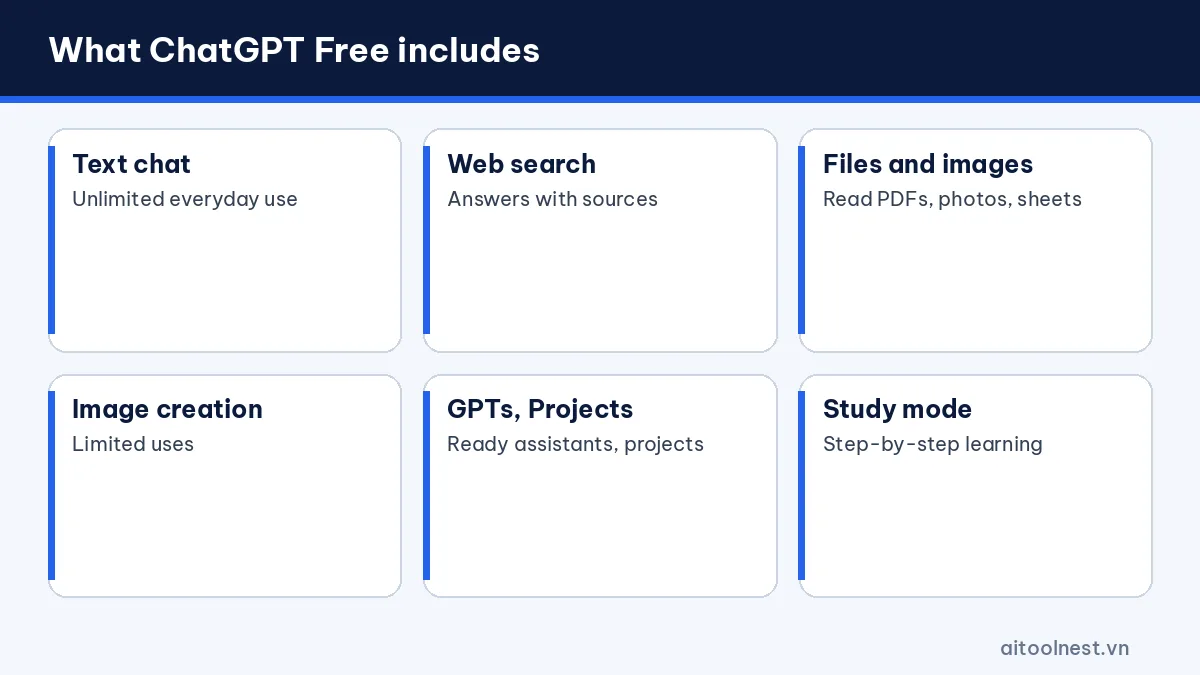
According to OpenAI’s Free plan page, a free account can use:
- Unlimited everyday text chats: questions, writing, translation, summaries and explanations. Abuse guardrails still apply, so this is not a license for automated bulk messaging.
- Web search: ChatGPT looks up current information and links to sources you can check.
- File and image uploads: send PDFs, documents or photos of homework for ChatGPT to read, with limits.
- Data analysis: upload a spreadsheet to filter, calculate and draw simple charts.
- Image creation: describe a picture in plain language and ChatGPT generates it, with limits.
- Existing GPTs: use specialized assistants that other people published in the GPT store.
- Projects and Library: group chats and files by project, with a 500 MB library.
- Study mode: ChatGPT guides you step by step with questions instead of handing over answers.
- Voice and memory: available, but with lower limits than paid plans.
OpenAI chooses the default model for free users and changes it over time. When demand is high or you have used a lot, ChatGPT may switch to a lighter model until your limit resets.
ChatGPT Free usage limits: how many messages?
The most common question is how many messages ChatGPT Free allows. For normal text conversation, OpenAI describes everyday use as unlimited. The real limits sit on resource-heavy features:
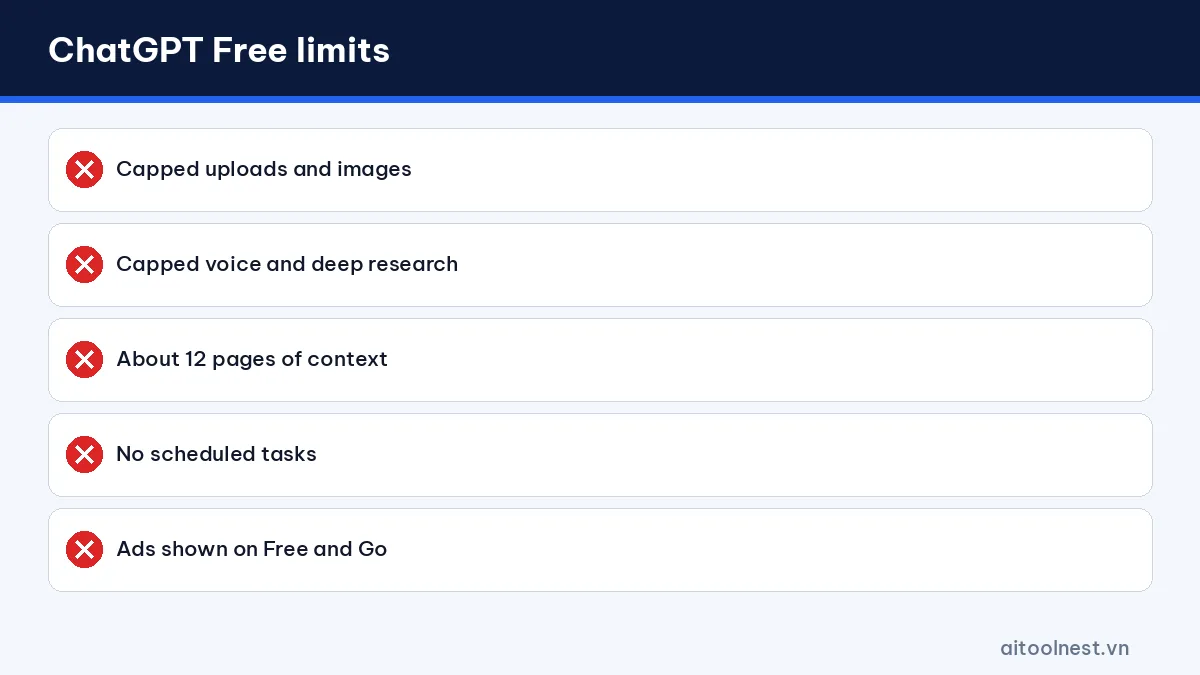
- Uploads, image creation, voice, deep research and Codex: capped and reset on a rolling basis. ChatGPT shows when they reset once you hit a cap.
- Context length: the free plan holds less text at once, roughly 12 pages of input compared with about 40 pages on Go and Plus. Split long documents into parts.
- Memory: ChatGPT remembers your preferences across chats, but with less capacity.
- Not included: scheduled tasks, creating new GPTs on personal accounts and voice with video.
To check what you have left, open Settings, Usage. If messages fail to send, it may be a limit or an outage, so see our guide on ChatGPT not working.
Ads on the free plan
ChatGPT now shows ads to Free and Go users in many markets, including Vietnam since late September 2026. OpenAI says ads do not change answers. If you prefer no ads, you can pick an ad-free Free option with lower limits, or use Plus, Pro or Business, which are ad-free.
How to use ChatGPT Free on phone and desktop
On a computer:
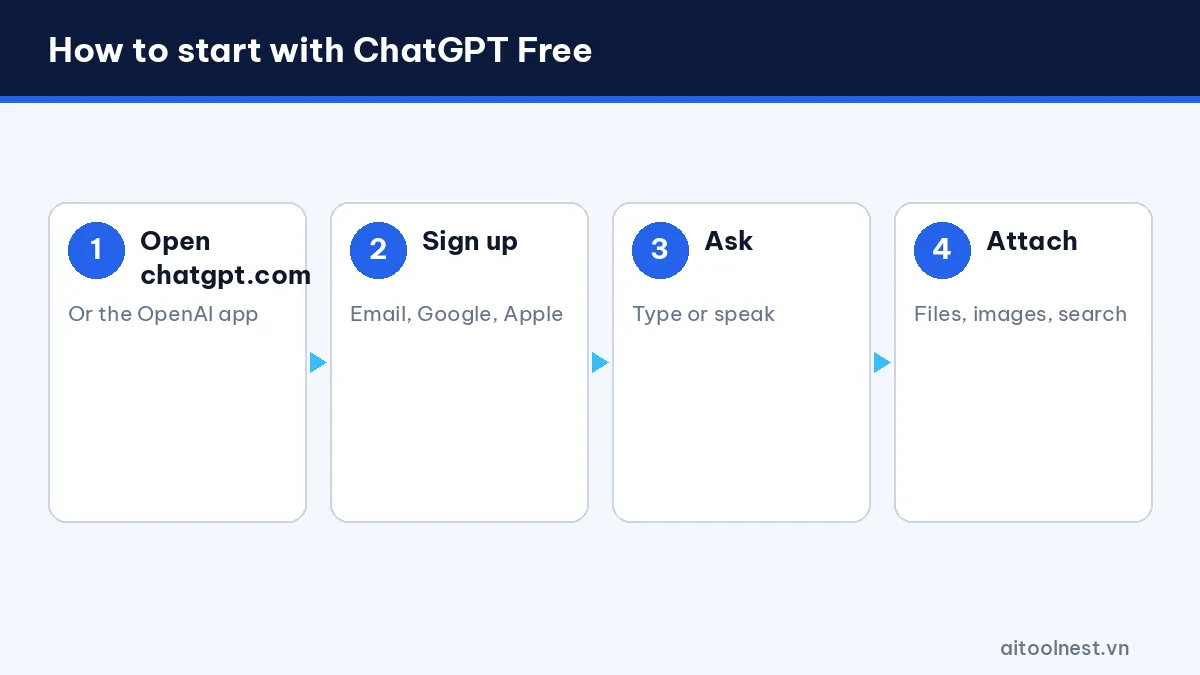
- Open chatgpt.com in your browser. You can try a question right away, but signing in saves your history and unlocks more features.
- Click Sign up and use your email, Google, Microsoft or Apple account.
- Type your question and press Enter.
- Use the plus button to attach files or images, turn on search or create an image.
ChatGPT also has desktop apps for Windows and macOS that work with the same free account.
On a phone: install the official ChatGPT app by OpenAI from the App Store or Google Play and sign in. The app adds voice conversations and lets you snap a photo and send it directly. Check that the developer is OpenAI so you do not install a copycat.
Languages: ChatGPT Free understands and answers in dozens of languages, and you can change the interface language under Settings.
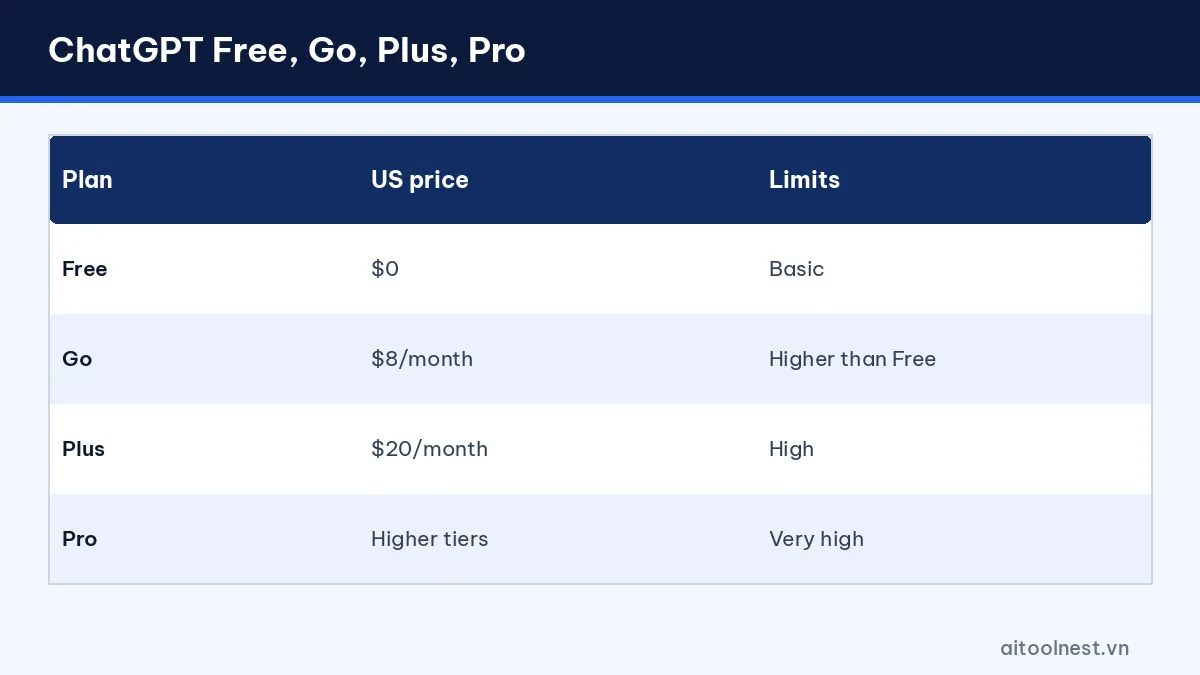
ChatGPT Free vs Go, Plus and Pro
| Plan | US price | Limits | Highlights |
|---|---|---|---|
| Free | $0 | Basic | Everyday chat, web search, limited images |
| Go | $8/month | Higher than Free | More images and uploads, longer context |
| Plus | $20/month | High | Stronger models, no ads, tasks, custom GPTs |
| Pro | Higher tiers | Very high | For power users |
Prices vary by country, tax and app store. In Vietnam, the App Store listed Go at 132,000 VND and Plus at 499,000 VND per month in October 2026. Always confirm the price on the plans page while signed in. To see how ChatGPT stacks up against rivals, read ChatGPT vs Claude vs Gemini.
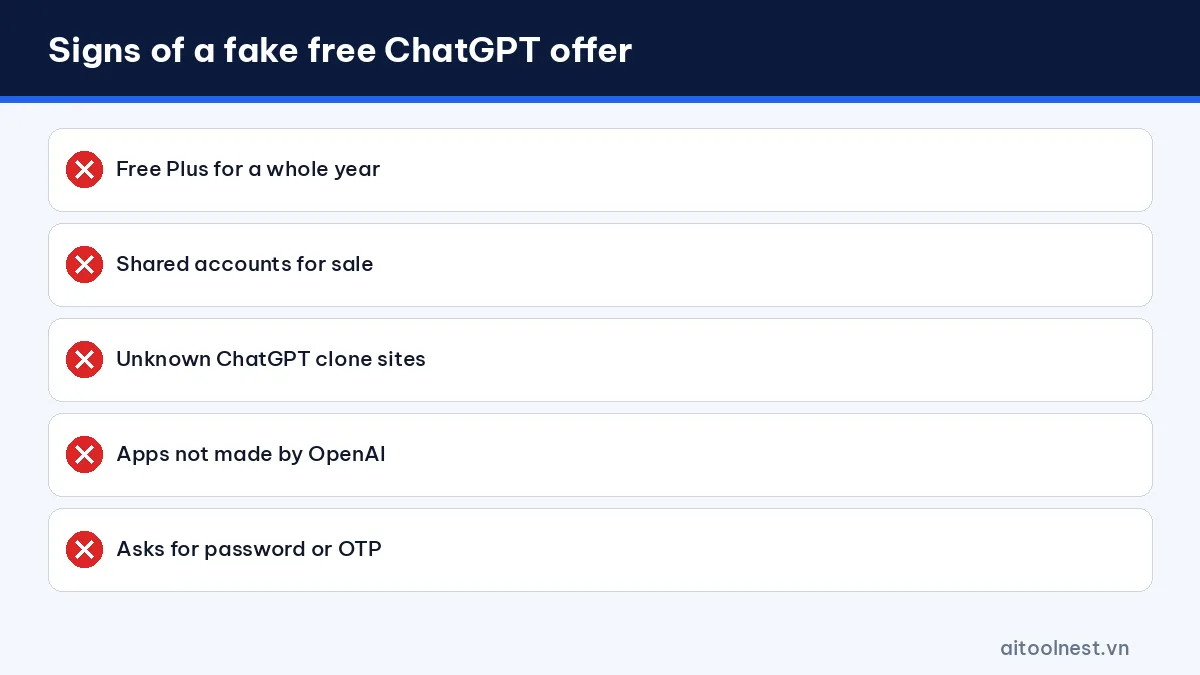
Watch out for fake “free ChatGPT Plus” offers
Searching for free ChatGPT access turns up offers like “ChatGPT Plus free for a year”, cheap shared accounts and unofficial sites that promise ChatGPT with no sign-up. Keep these points in mind:
- Official promotions are short and visible in the product: OpenAI and partners have run time-limited trials of paid plans, such as a three-month ChatGPT Go offer sold through Shopee in Vietnam from December 12, 2025 to March 12, 2026, which has ended. Real offers appear in the app or on OpenAI’s own pages.
- Copycat websites: many sites re-wrap the API, add ads or harvest data. Use only chatgpt.com and the official apps.
- Shared accounts: buying a shared login risks bans, exposed chat history and breaking the terms of use.
The official free plan never expires, so there is no need to chase a “free first month” or wonder how long it lasts.
Tips to get more from the free plan
- Write a clear prompt the first time: state the role, goal, context and format. See how to write AI prompts.
- Save uploads and image creation for what matters: paste short text directly instead of uploading a file.
- Split long documents: the free context window is shorter, so send sections and ask for running summaries.
- Use Projects: keep files and instructions for one project together so you do not repeat yourself.
- Turn on search for recent facts: and open the sources before you rely on them.
- Keep sensitive data out: you can turn off model training under Settings, Data controls.
Example prompts for the free plan
- “You are an English teacher. Explain the present perfect to 13-year-olds with five examples and five practice sentences.”
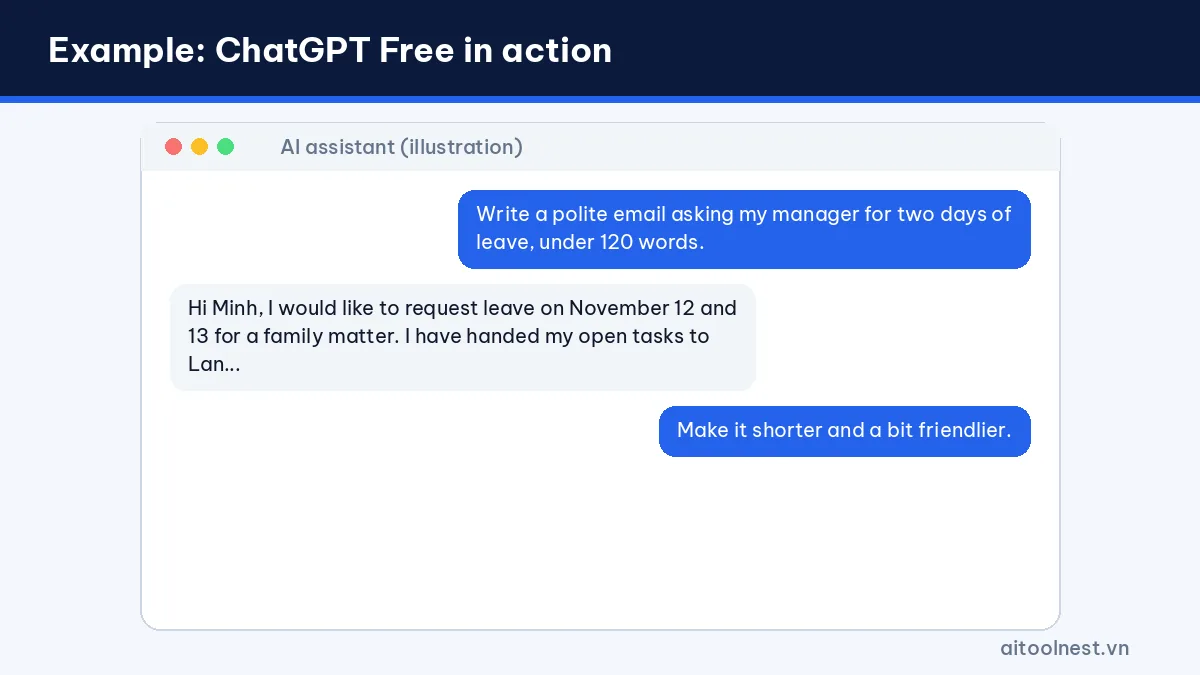
- “Write a polite email asking my manager for two days of leave, under 120 words.”
- “Summarize the text below in five bullet points, each under 20 words.”
Using it for study and work
Students: turn on Study mode for step-by-step guidance, photograph a problem to get the method explained, or generate quiz questions from your notes. Use it to understand, not to copy answers.
Teachers: draft tests, lesson plans and worksheets. Try our ChatGPT prompts for teachers.
Office workers and creators: draft emails, outline reports, translate documents and analyze small spreadsheets, or brainstorm and draft posts with help from our guide to AI content writing.
You can also run the free versions of Gemini and Claude side by side for extra perspectives and fewer limit walls. ChatGPT vs Gemini helps you pick a main tool.
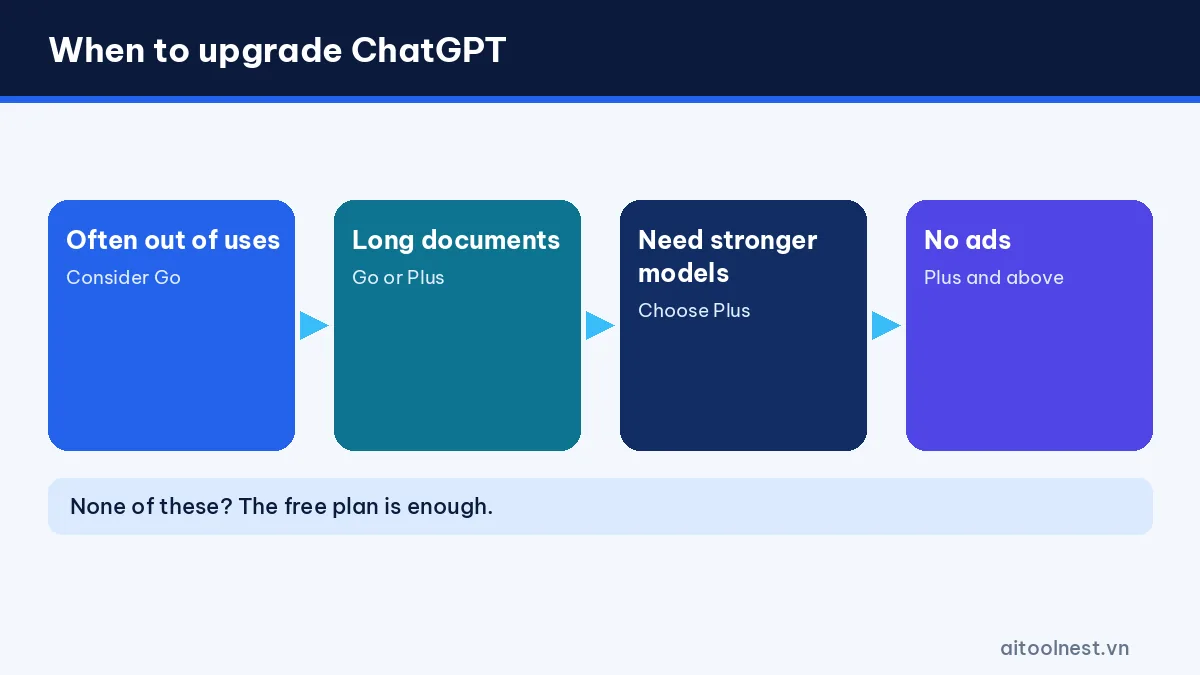
When should you upgrade from ChatGPT Free?
- You regularly run out of uploads, images or deep research before finishing your work.
- You need to work with documents longer than about 12 pages at once.
- You want stronger models for coding, analysis and complex reasoning.
- You want no ads without accepting lower limits.
- You need custom GPTs or scheduled tasks.
If you mainly chat, write and study, the free plan is enough. Go is the budget step up, while Plus suits people who use ChatGPT for work every day. Browse more AI tools for other options.
ChatGPT Free FAQ
Is ChatGPT free forever?
Yes. The Free plan has no expiry date. You only need an account, and no credit card is required.
How many messages does ChatGPT Free allow?
Everyday text chat is unlimited, subject to abuse guardrails. Uploads, image creation, voice and deep research are capped and reset on a schedule shown in the app.
Can ChatGPT Free create images?
Yes. Free users can generate images from text descriptions, with fewer uses than paid plans.
Is there a free year of ChatGPT Plus?
Occasionally OpenAI runs short official trials, shown in the app or on its own site. Avoid sellers of shared accounts or long free Plus promises.
Can I use ChatGPT Free on my phone?
Yes. Install the official ChatGPT app by OpenAI from the App Store or Google Play and sign in with your free account.
Conclusion
ChatGPT Free lasts forever and covers everyday chat, study, writing and research. Its main limits are capped uploads, image creation, voice, a shorter context window and ads. Stick to chatgpt.com and the official apps, avoid shared accounts and copycat sites, and upgrade only when you hit the limits often.
